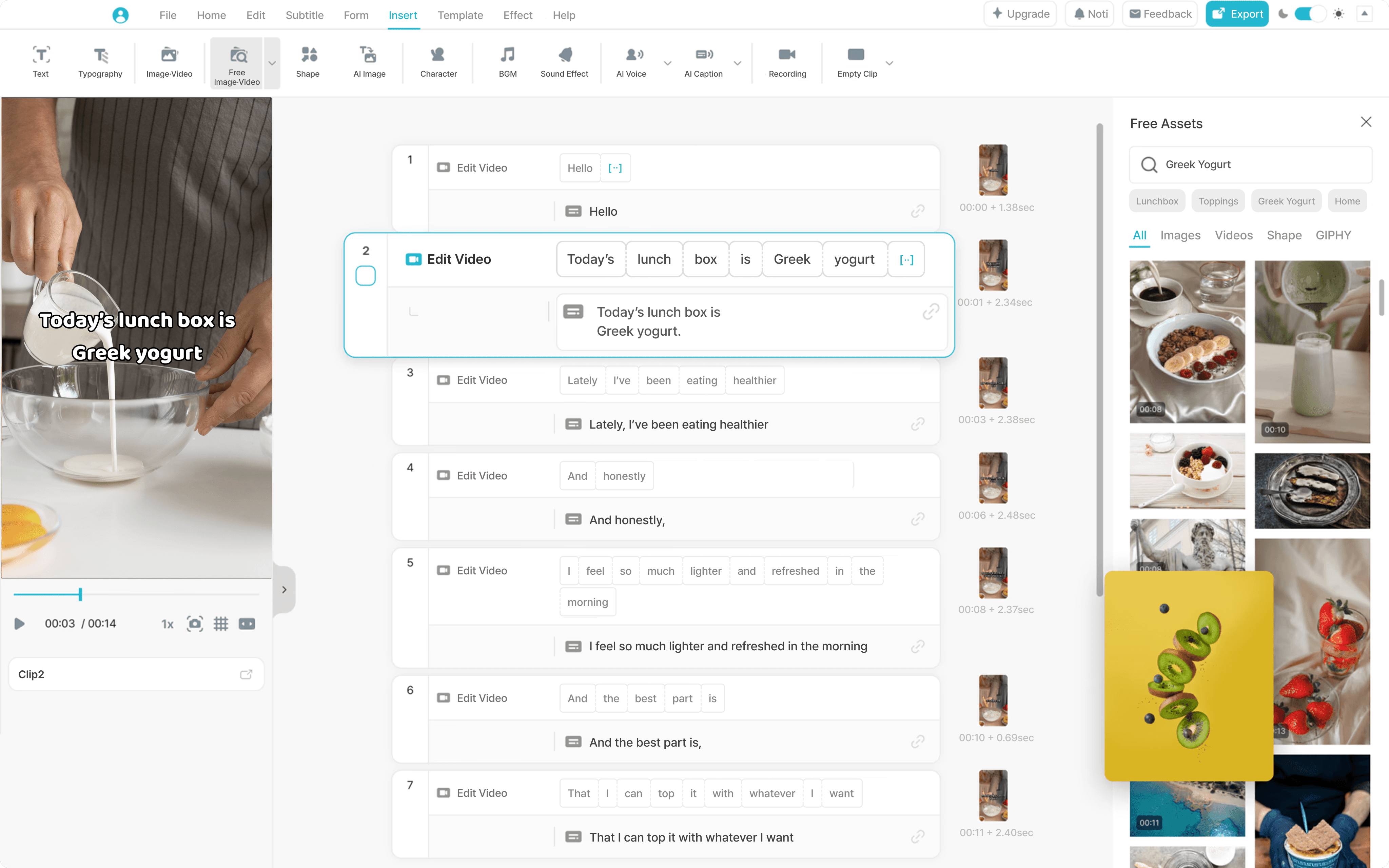
No video-editing skills needed — just edit the text
Meet Vrew's text-based editing interface.
Forget about complex shortcuts or long user manuals.
Vrew makes editing fast and easy, just like typing a document.
Don't rewind. Read and edit videos.
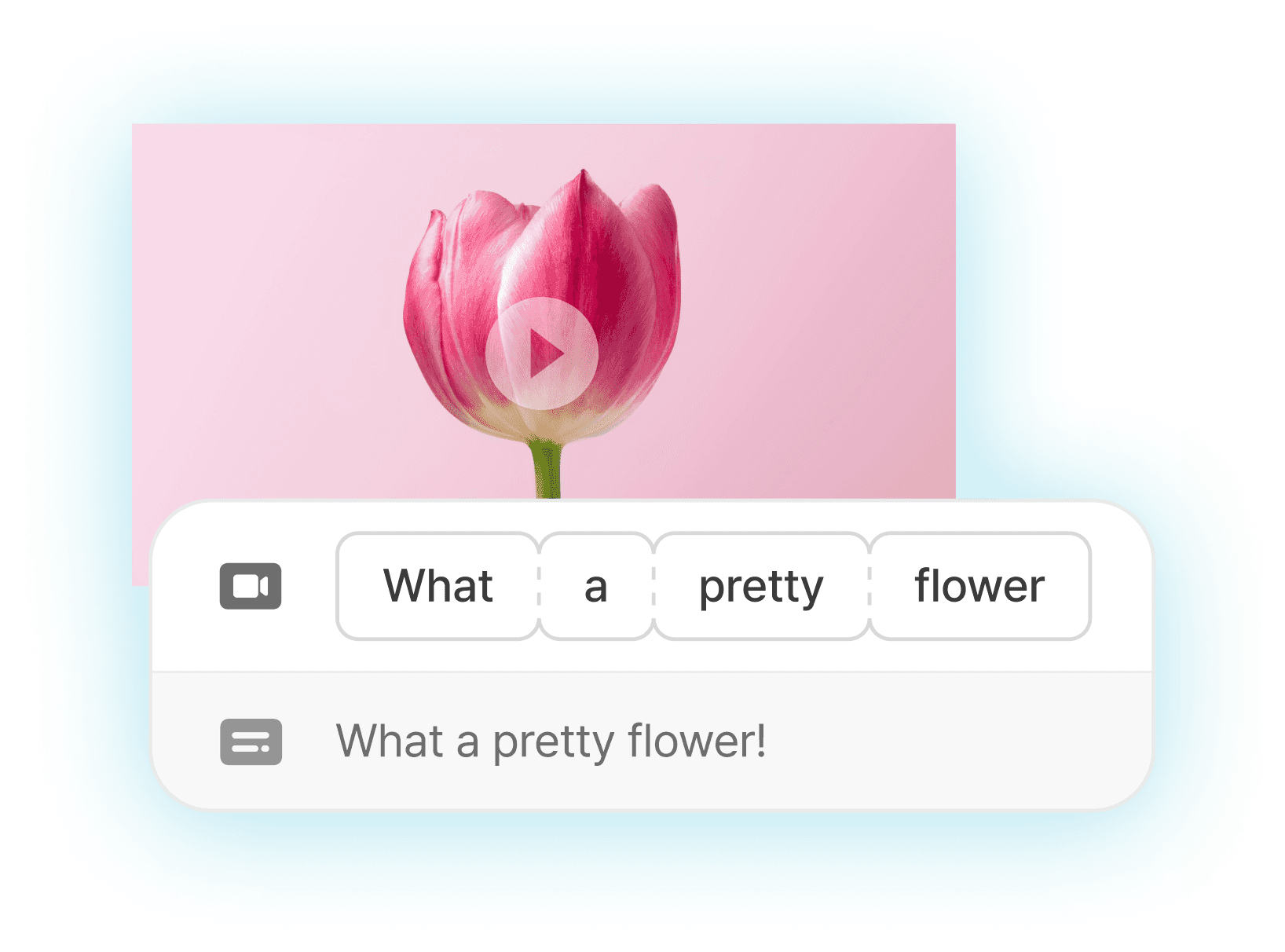
Auto-segmented words
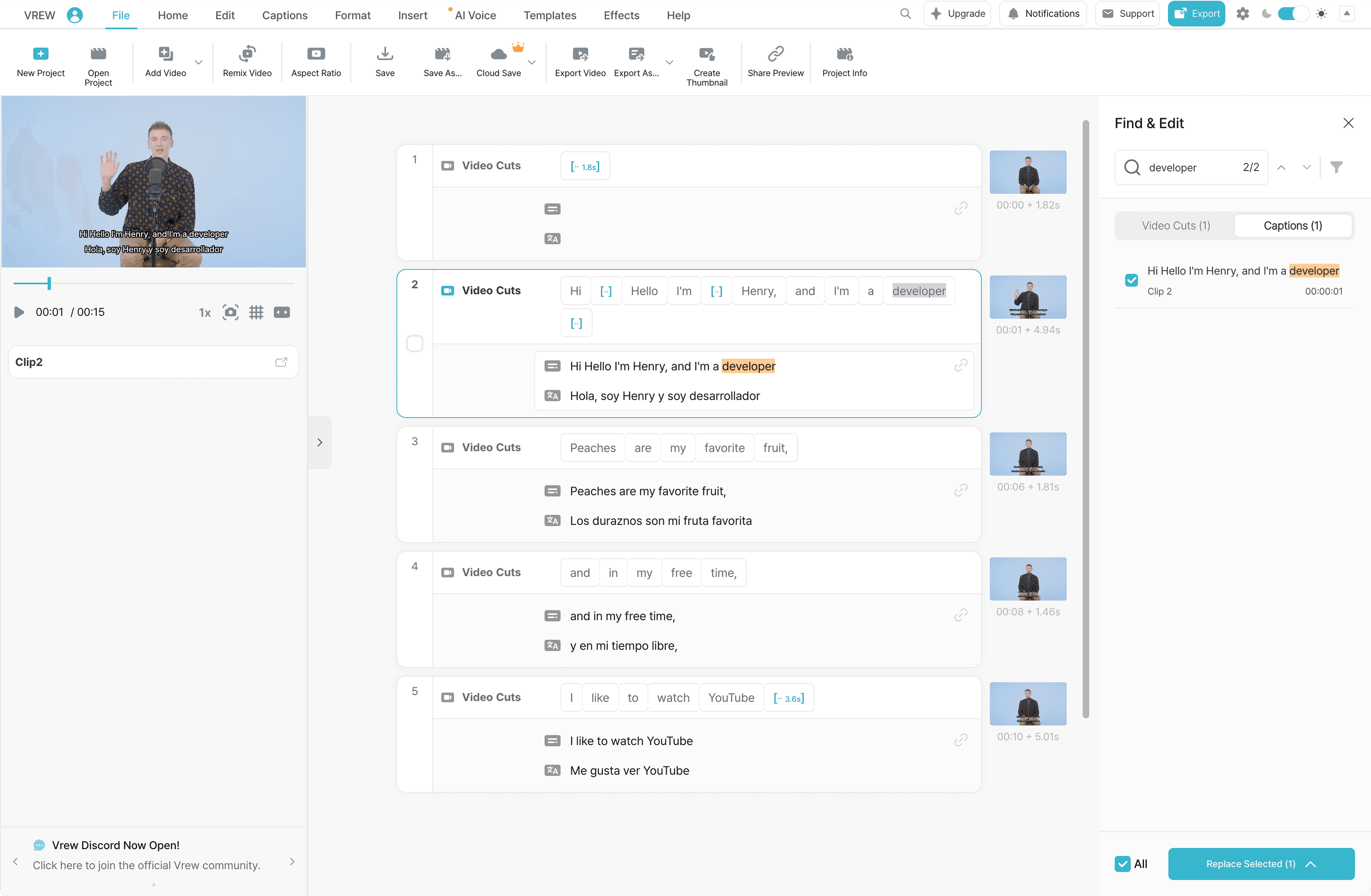
Upload your video, and Vrew automatically breaks it into word-based blocks, so you can edit it just by reading and selecting the text, saving you time.
Learn more about AI Transcription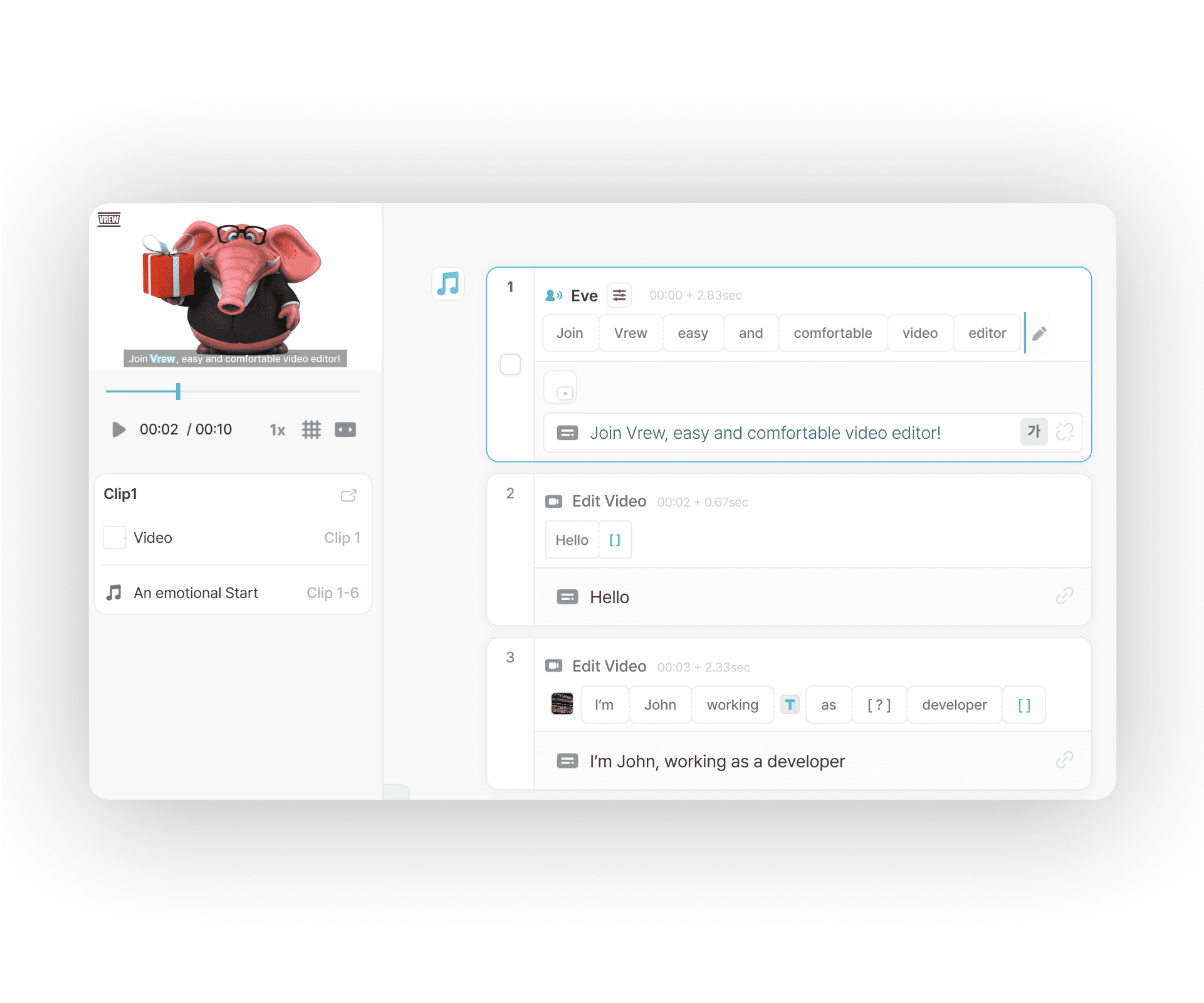
Edit faster by seeing, not just listening
Tired of editing at 1.5x or 2x playback speed? Vrew lets you see your video as text, making the process quicker and more precise than constant rewinding.

No audio or visuals? No problem
Create videos from scratch with Vrew's AI. And if your video doesn't have any audio, you can use Vrew's text-to-speech feature to generate voiceovers.
Video editing with Vrew is really easy
How to edit videos using text in Vrew
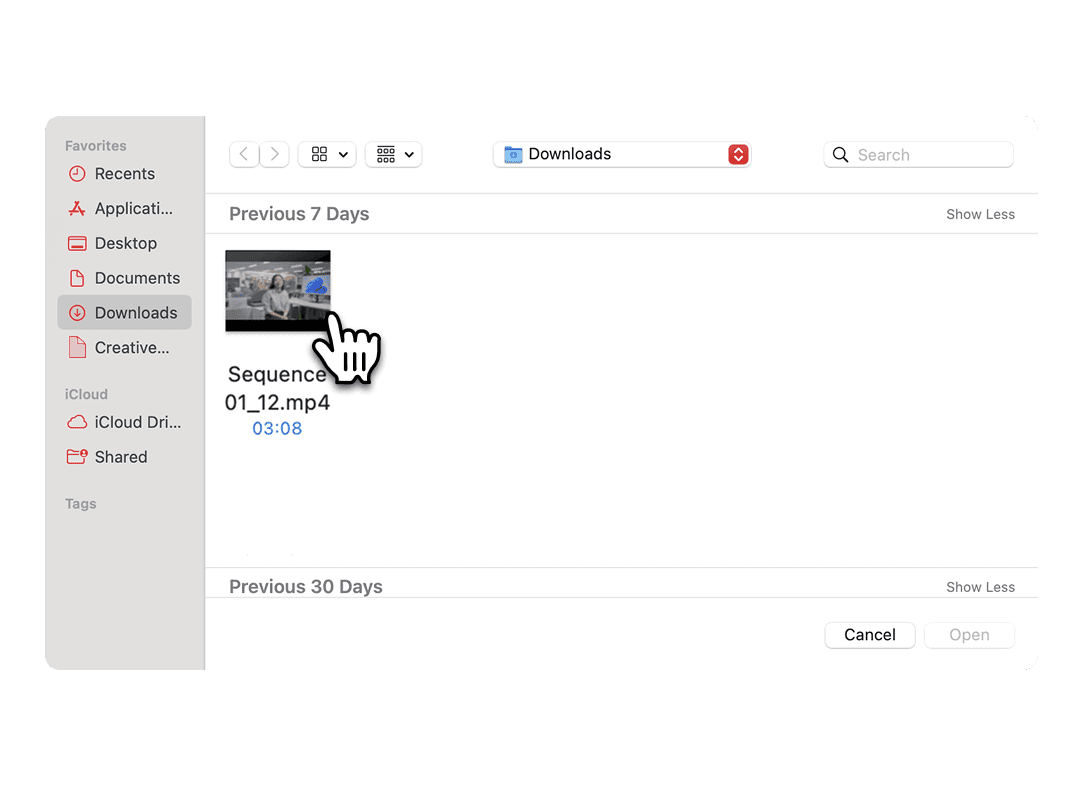
1. Upload video
Upload your file, and Vrew will automatically transcribe it into text.
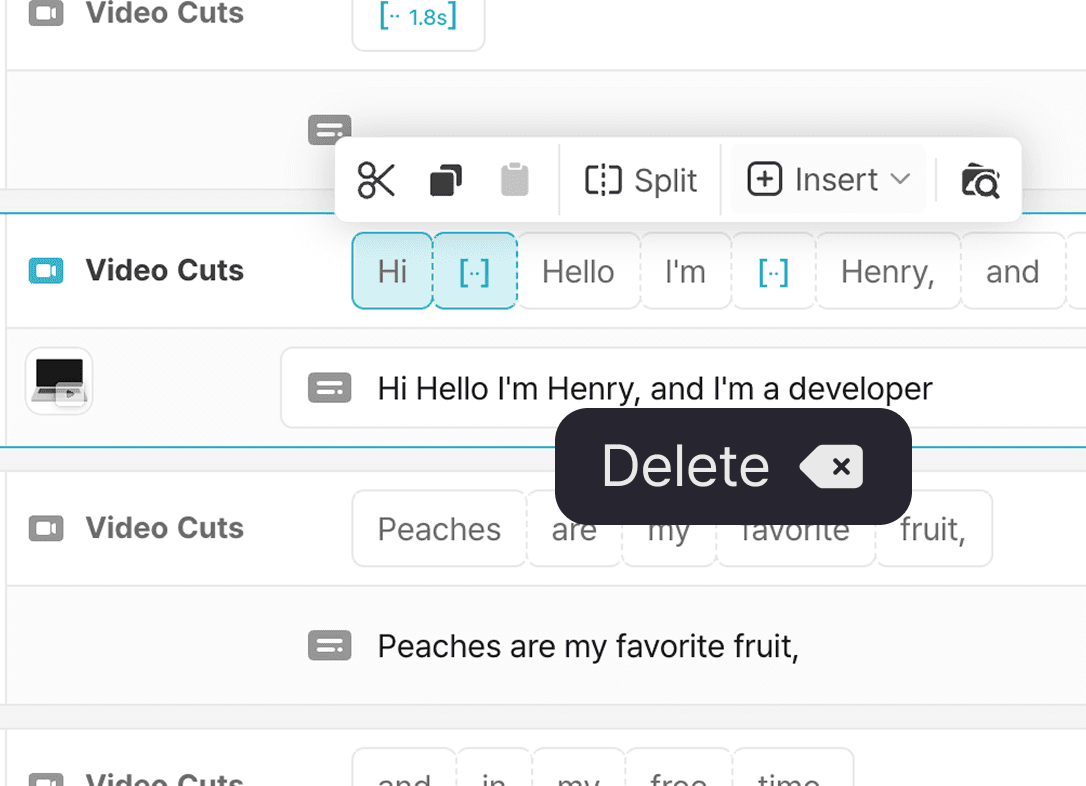
2. Edit video using text
Read through the transcribed text and edit your video like a document.
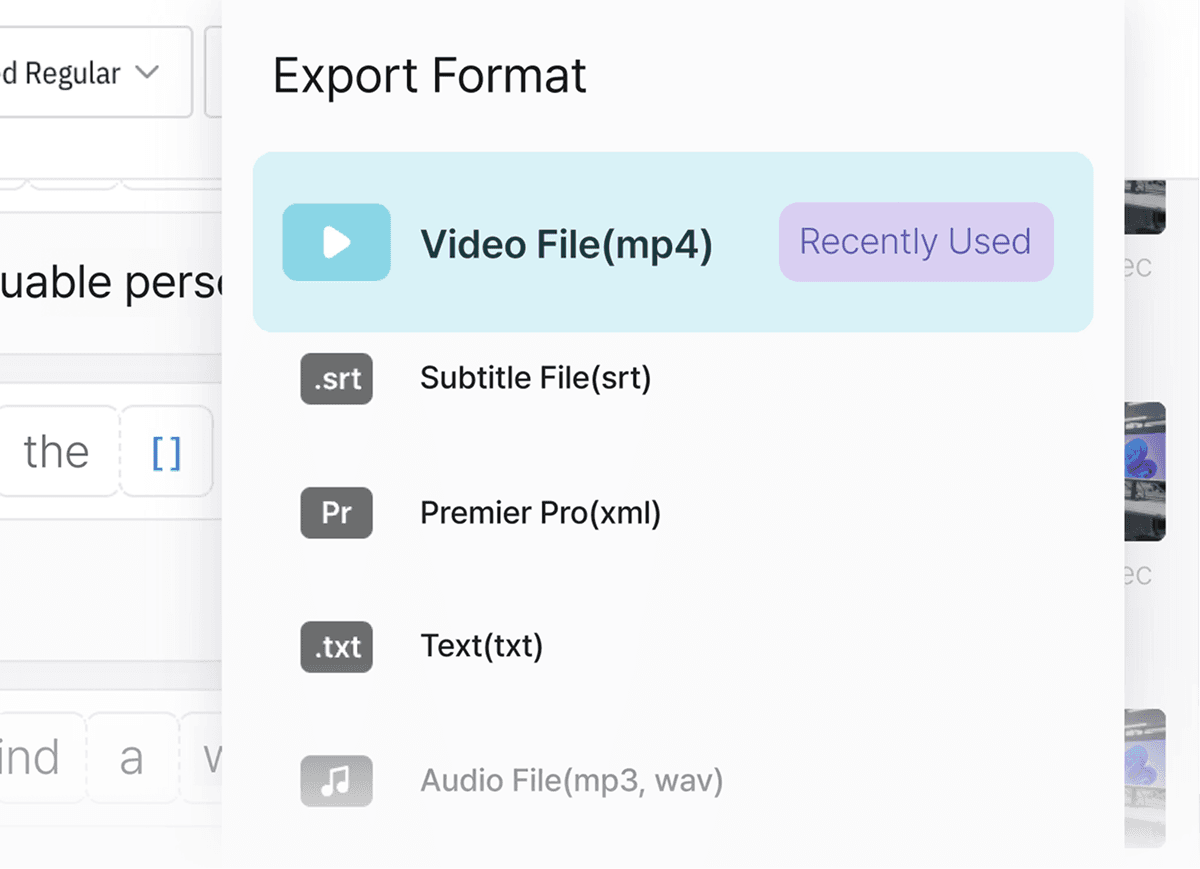
3. Export your video
Check everything quickly at a glance, and export your video.
Ways to use text-based editing
Explainer videos
Vrew's simple editing interface is perfect for creating informational videos.
Start creating your own video — no professional editing skills needed.
Educational content
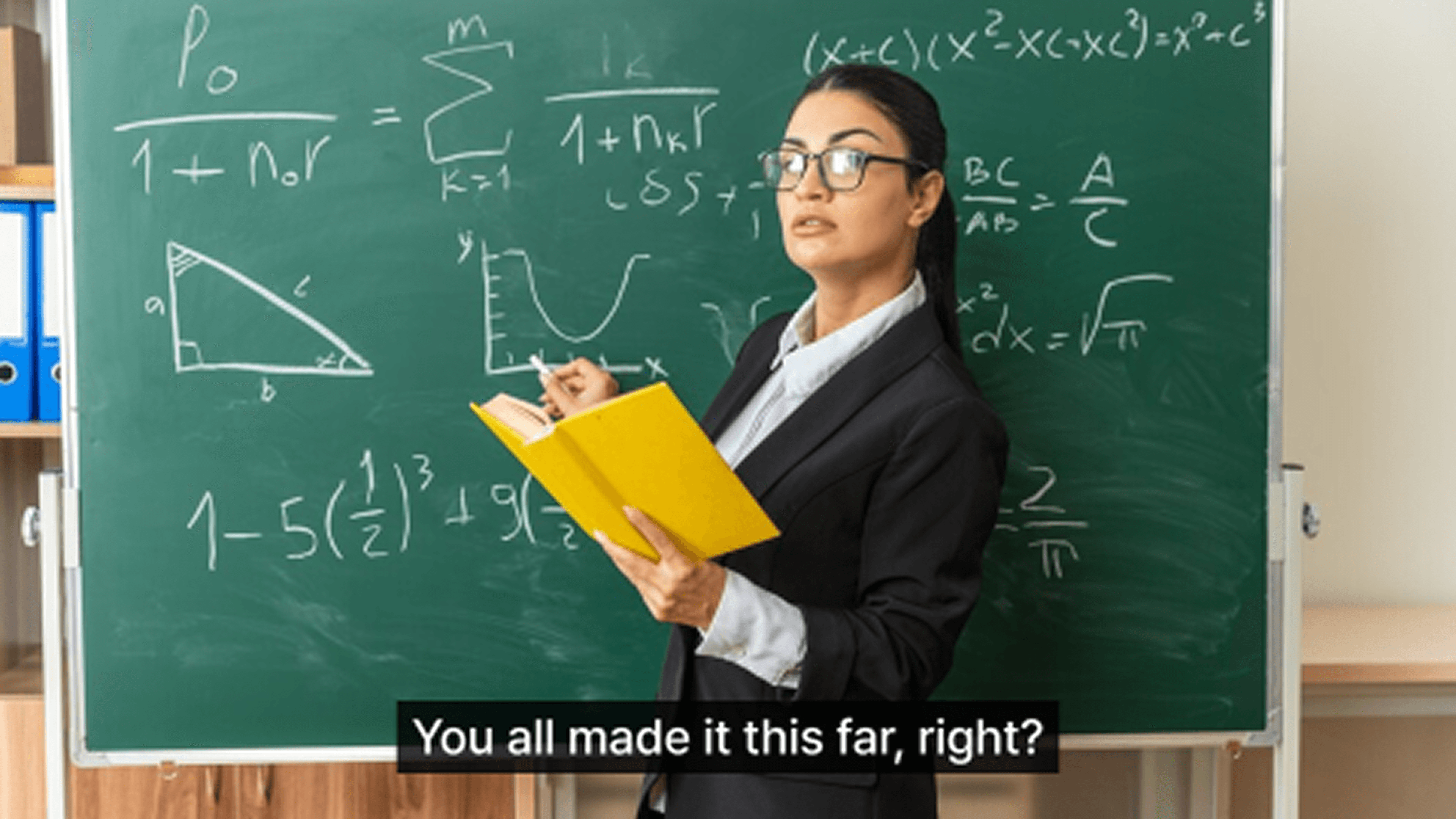
Skip the complicated tools. Simply upload your lecture notes, and Vrew will generate both the audio and video for you.

Interview videos
Long, subtitled interviews can be time-consuming to edit on traditional software. With Vrew, you can edit them just like you'd edit a text document.