No more retakes. Type to fix spoken audio.

Replace misspoken words in your video by editing the transcript.
Type a new word, and our AI will regenerate the audio to match the original voice and tone.
Say it better, without saying it again
Text-based speech editing
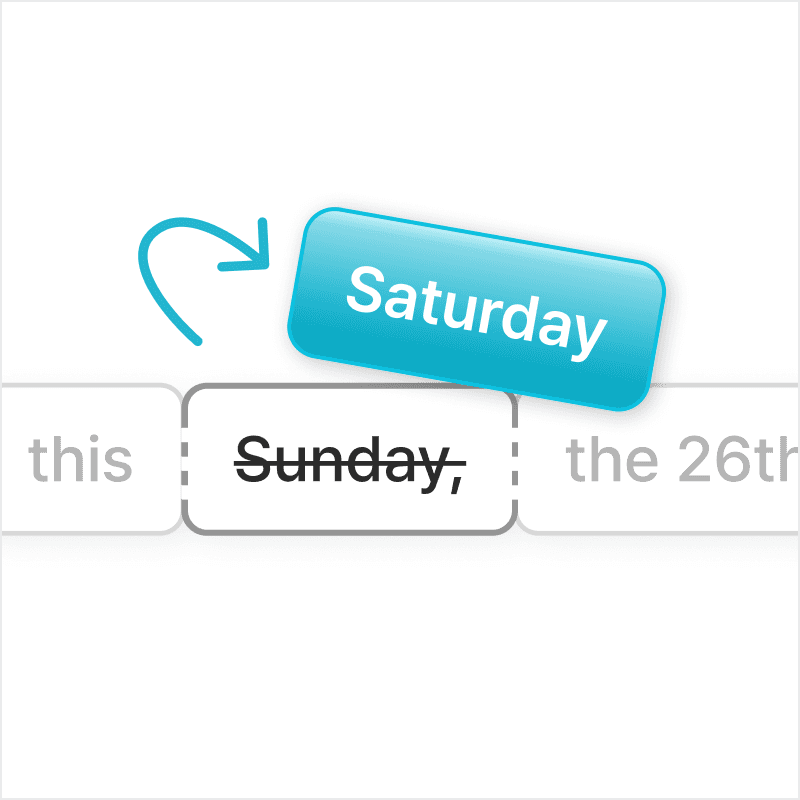
Make changes to spoken audio by simply typing. Edit your transcript, and Vrew regenerates the audio in the same voice.
Change just the parts you need
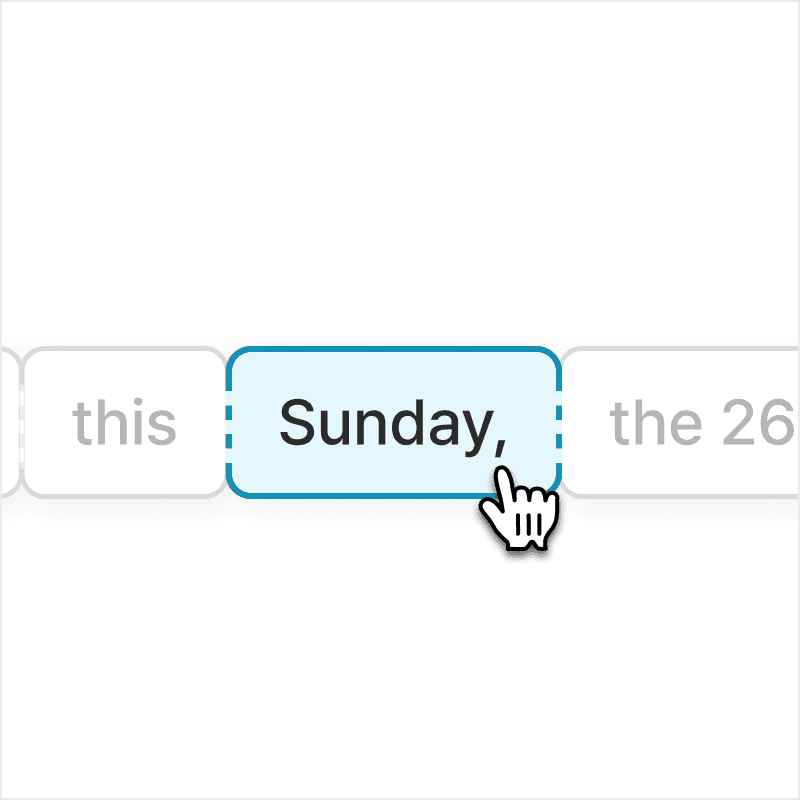
No need to re-record everything. Just update the words or phrases you need, and the newly regenerated audio will be seamlessly blended into your original recording.
Natural-sounding results
Vrew uses AI to match the voice's natural tone, pacing, and delivery for seamless edits.
How to edit speech in videos using Vrew's AI
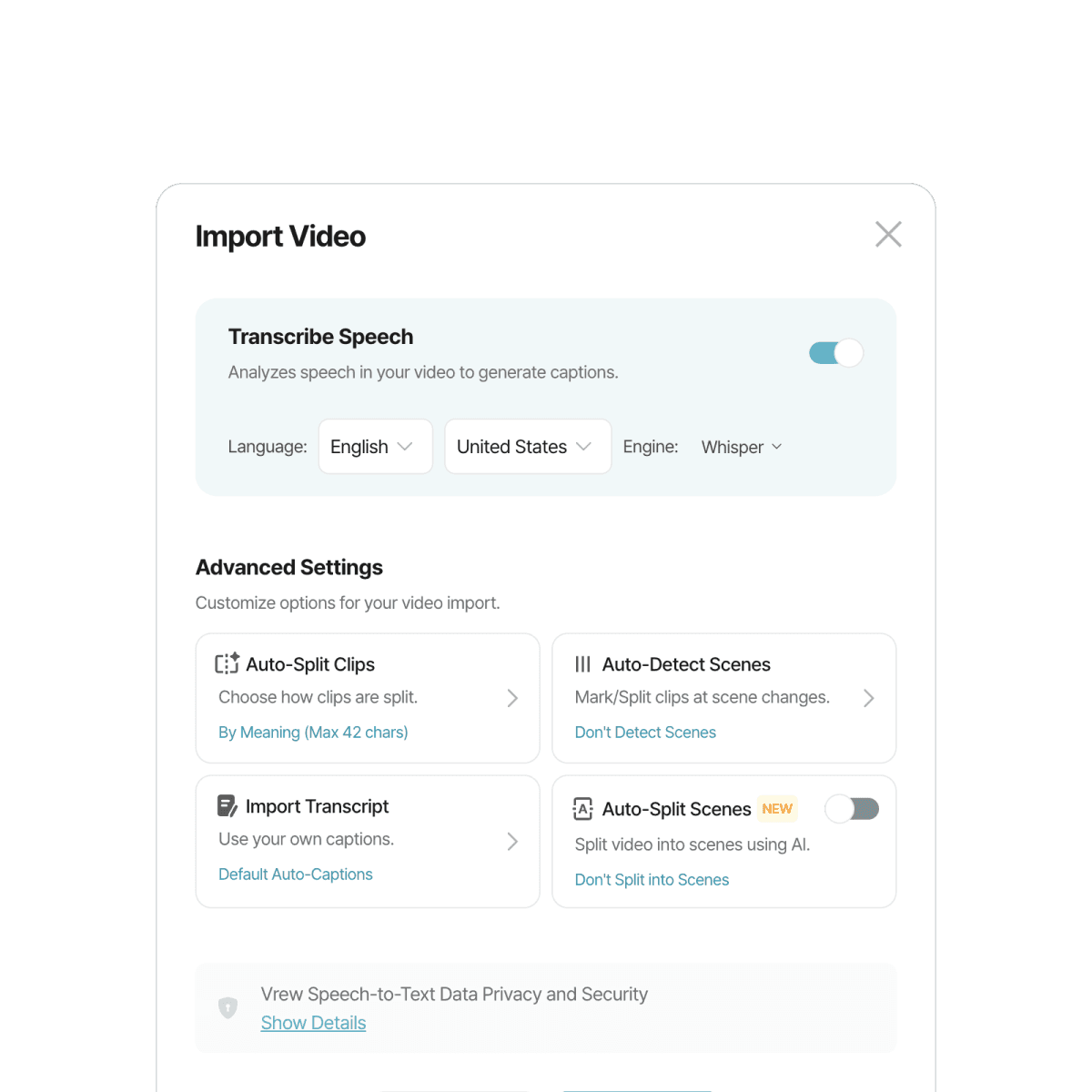
1. Upload video
Upload your file, and Vrew will automatically transcribe it into text.
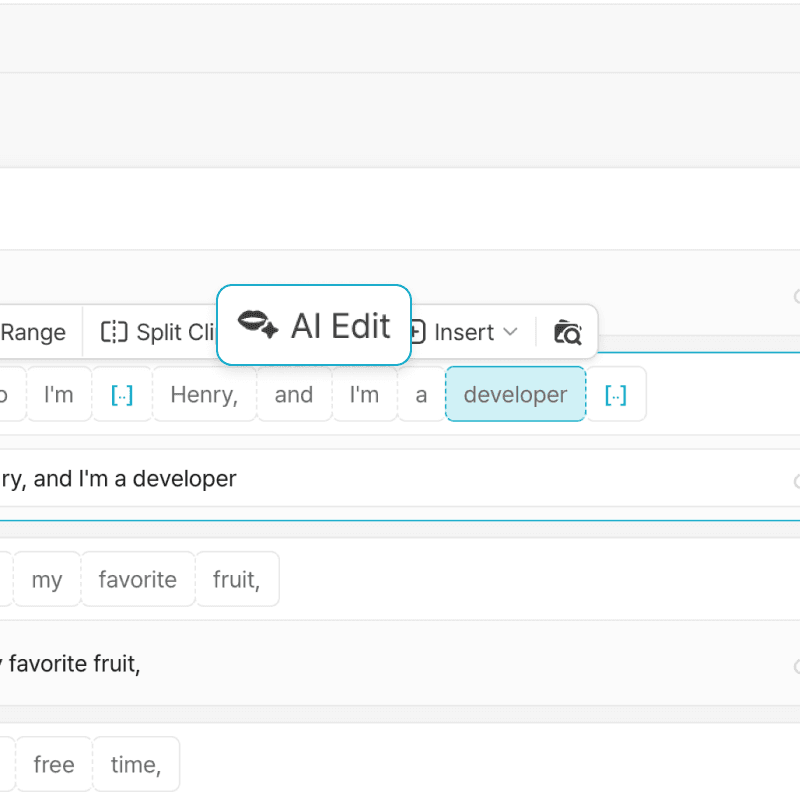
2. Click AI Edit
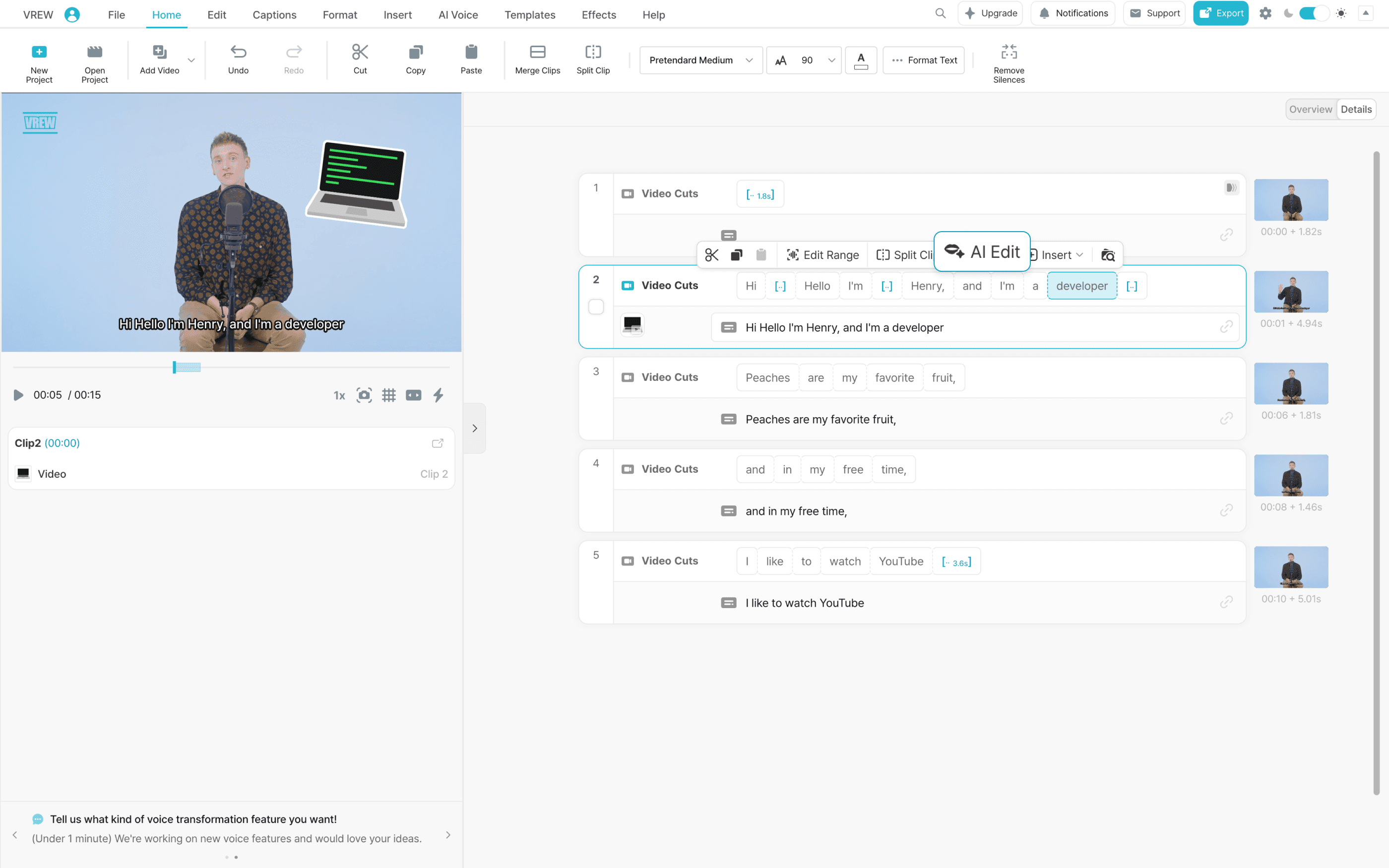
Select the word you want to change, then click "AI Edit".
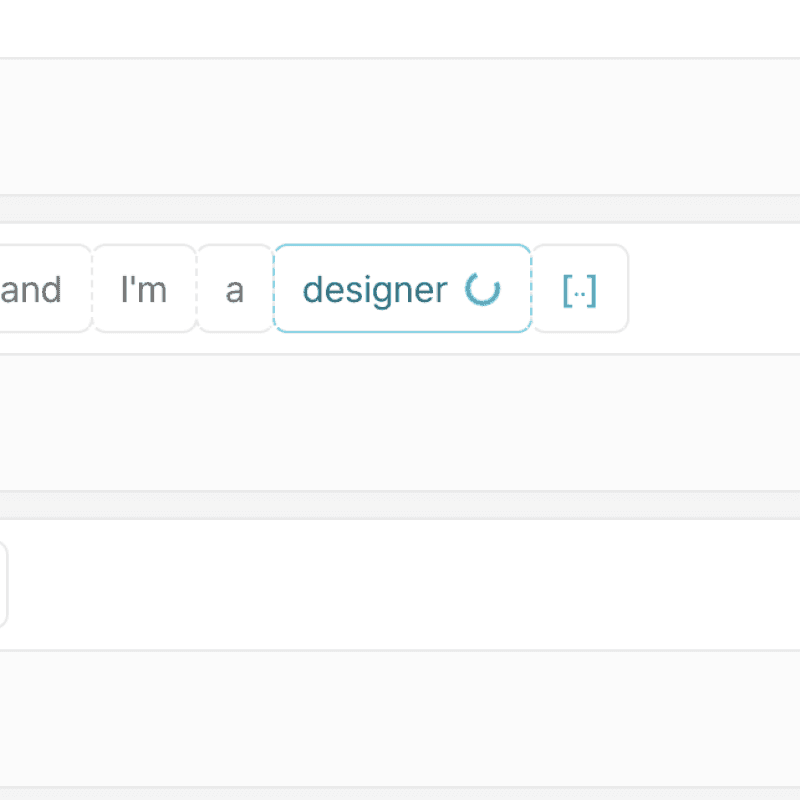
3. Edit and regenerate
Type your new word, then press the Enter key or click "Generate".
Ways to use AI Edit Speech
Fix minor errors
Noticed a mispronounced word or mistake? Skip the retake. Just edit the transcript to update the audio.
Make updates
Need to change a date or price in the finished video? Just type the new version, no need to re-record.
Alternate versions
Swap out terms for different clients or markets while keeping your voice consistent across versions.