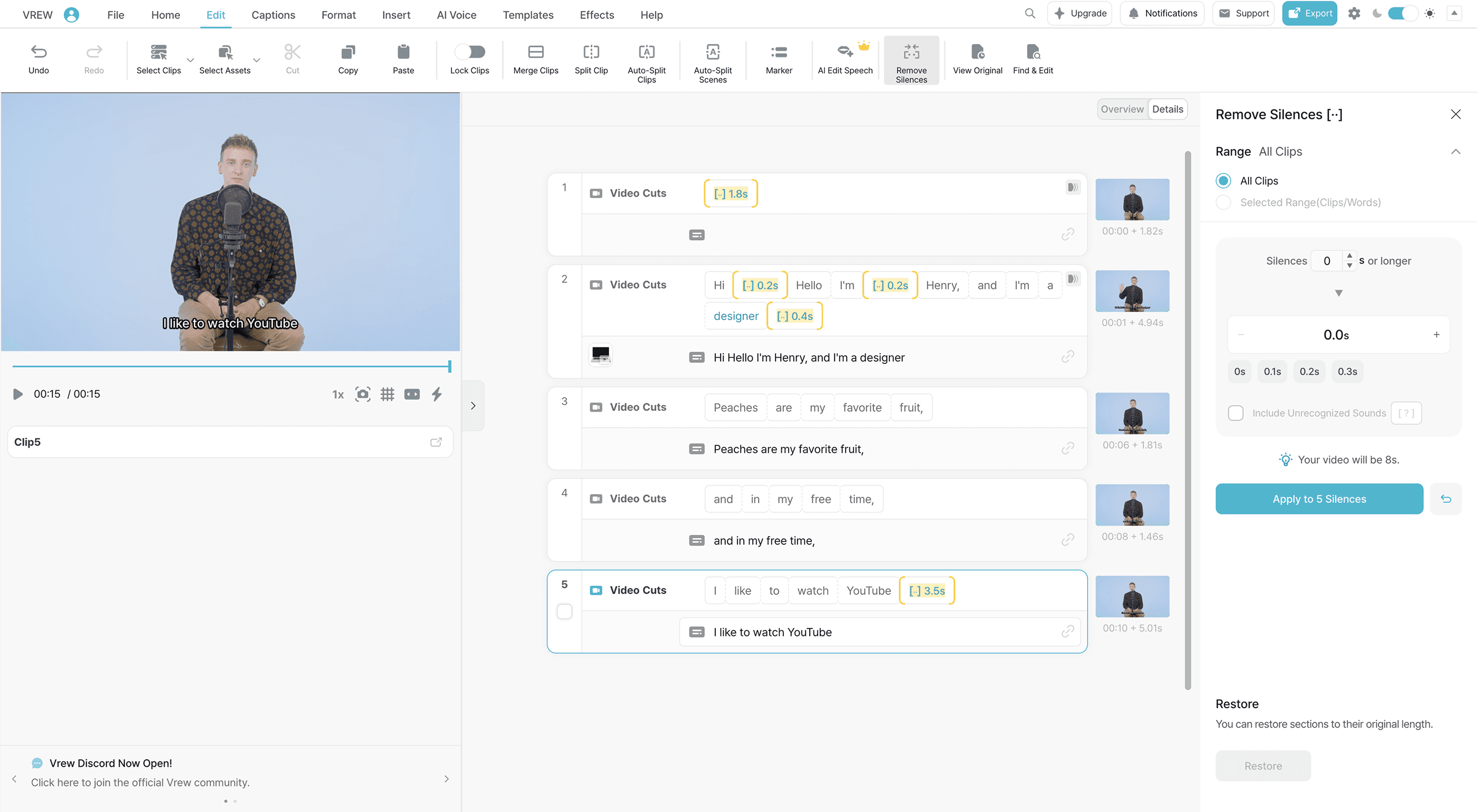
Still rewatching your videos to cut silences?

Vrew auto-detects silences and lets you adjust them all at once.
Choose which pauses to shorten or remove entirely with just a few clicks.
Cut video silences and pauses your way
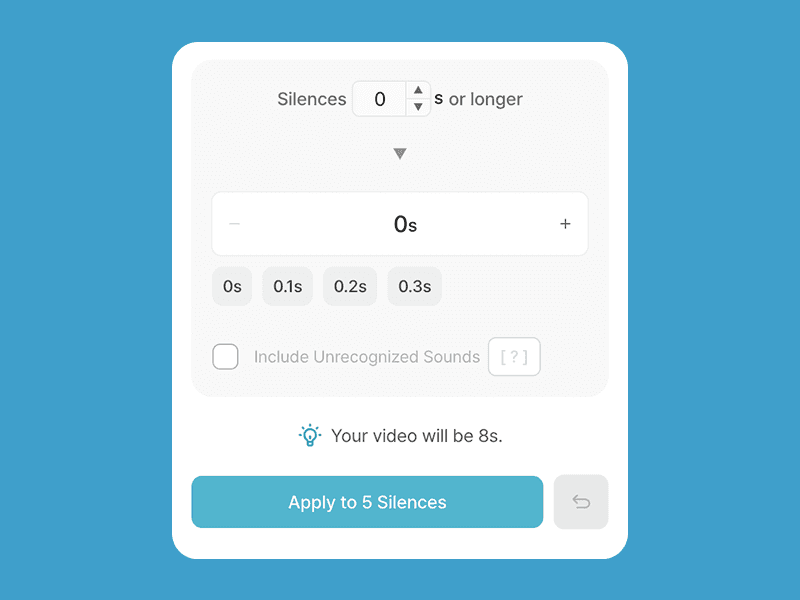
Shorten pauses to your liking
Control how short your silences should be. You can also set a minimum length so only those longer than a certain length get trimmed.
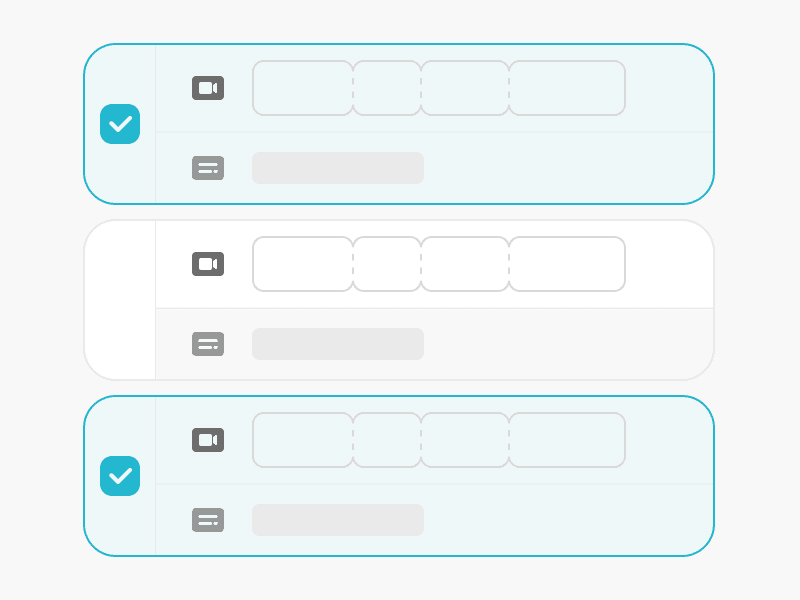
Adjust for specific clips
Choose to shorten or remove silences from your entire video, or just specific clips. Try different options like odd or even clips, or set your own custom selection.
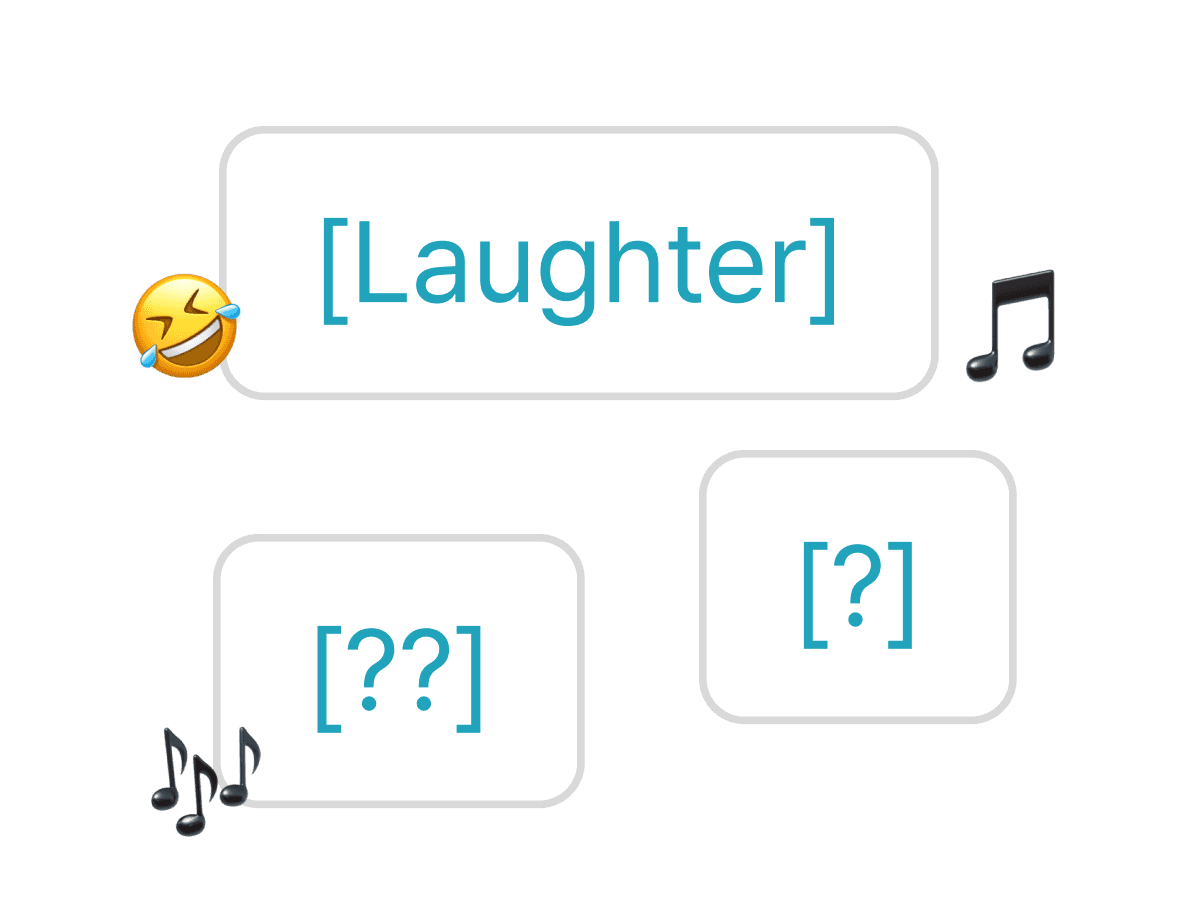
Don't miss a beat, even for noises
Vrew can even detect and remove non-speech segments like applause or laughter.
How to remove silences from videos in Vrew
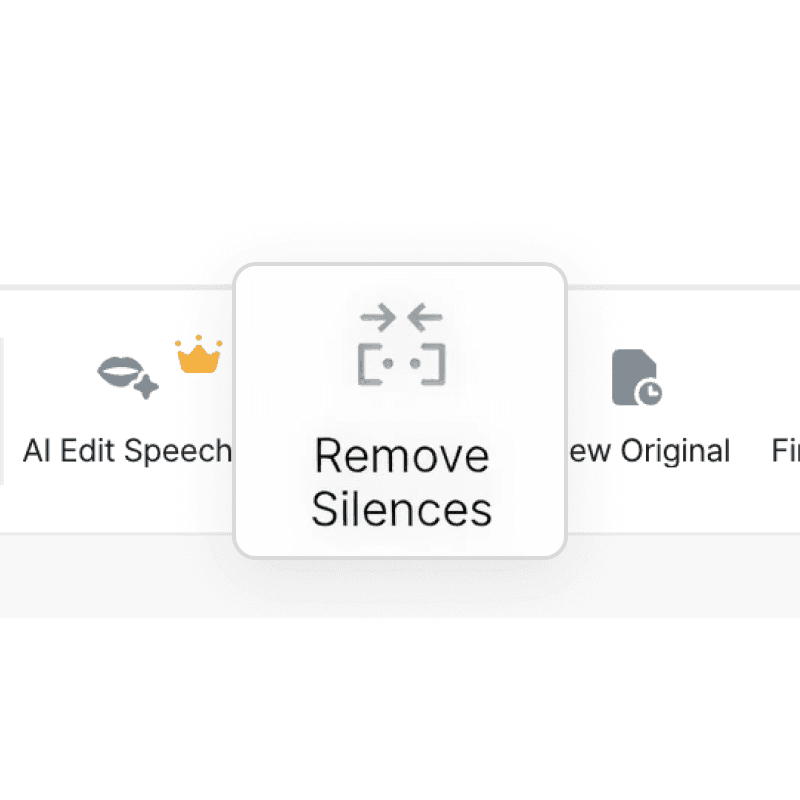
1. Click Remove Silences
Click the "Remove Silences" button under the "Edit" or "Home" tab.
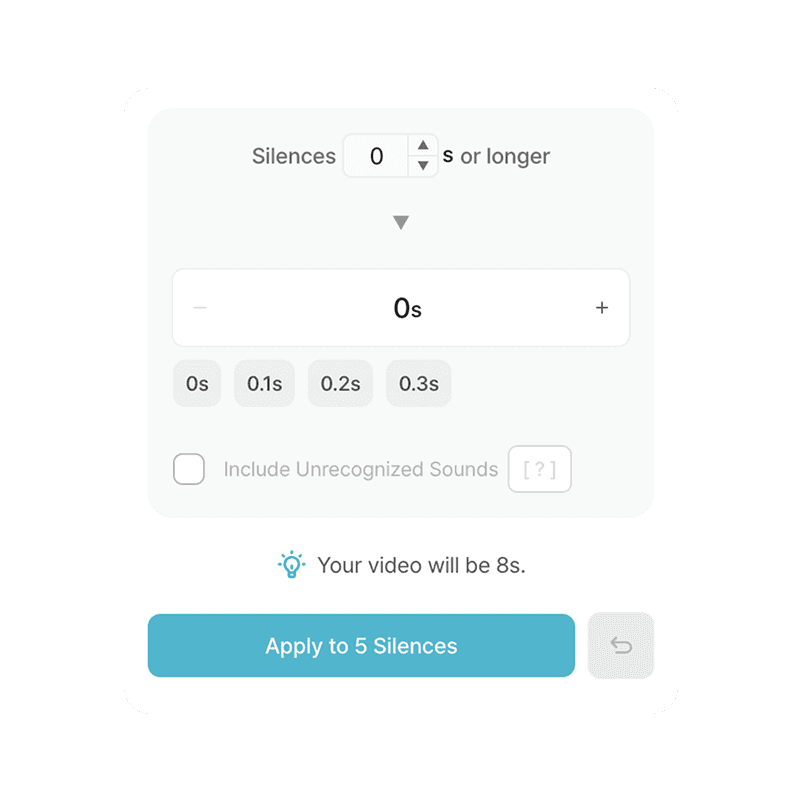
2. Adjust silence parts
Select the clips you want to shorten, choose the length, and click "Apply".
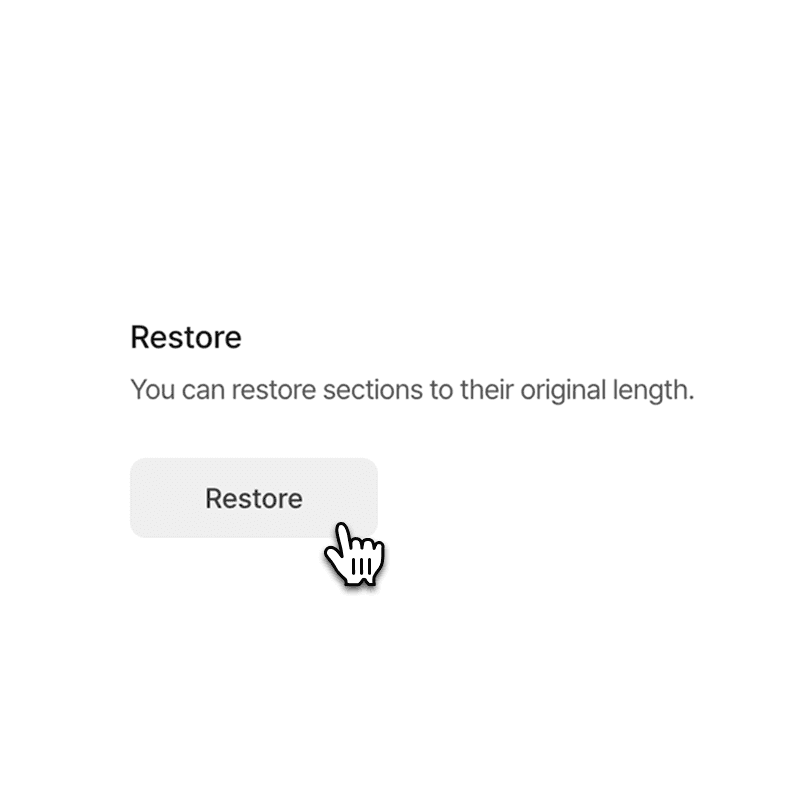
3. Restore if needed
Changed your mind? You can always undo and go back to the original.
Ways to use silence remover
Interview videos
Remove awkward pauses for a more polished and engaging interview.

Educational content
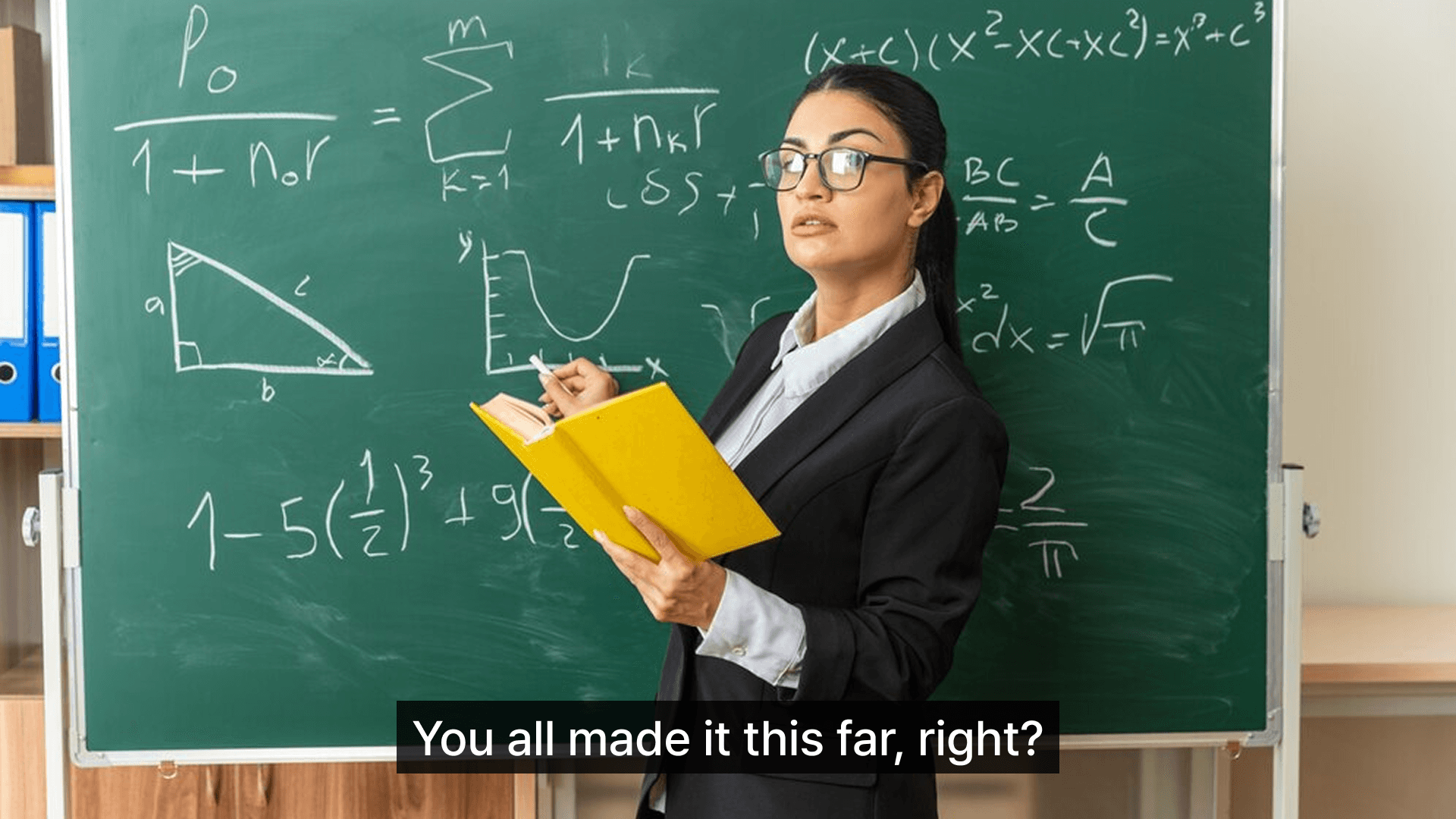
Cut unnecessary gaps in lecture videos for shorter, more focused lessons.

Webinar videos
Remove long silences or lag-related pauses for a smoother viewing experience.